BBX Arena is a free browser-based 3D simulator. It models part weight, performance tendencies, spin direction, movement, contact, the acceleration rail and four finish types. It is an exploration tool, not a replacement for testing physical parts.
1. Choose two combinations
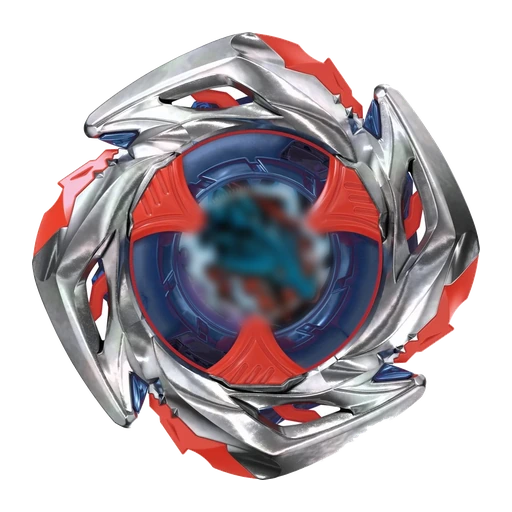
Each player panel has a Preset selector and individual Blade, Ratchet and Bit selectors. A preset fills all three fields; you can then change any part. The preview shows the Blade artwork, Ratchet and Bit profiles, estimated performance shape and representative total weight.
Blade spin direction is automatic. The selected Blade determines right or left spin.
2. Configure each launch
Choose a Standard 1:1 or Pro 2:1 launcher model, then select Flat, Bank or Sliding launch style. Use Launch Power for energy and Launch Angle for the starting direction around the stadium. To compare parts fairly, keep these settings unchanged between runs.
3. Launch and control the view
Press Launch to start. Camera buttons switch between Default, Top, Follow Player 1 and Follow Player 2. You can orbit and zoom the view. During battle, the combined Power bars summarize remaining spin and stamina, while Battle Events describe impacts, rail catches, Dash movement and finishes.
4. Understand finishes
- Spin Finish: one Bey stops before the other.
- Over Finish: a Bey exits through an Over Zone.
- Extreme Finish: a Bey exits through the central Xtreme Zone.
- Burst Finish: a Ratchet or Bit separates after a qualifying impact.
Use Rematch to rerun the same setup or Change Parts to return to both builders.
5. Record a battle
Open the top menu and select Record Battle before launching. Recording starts with Launch, stops at the result and downloads an MP4 on supported browsers. The exported video includes the selected background, BBX Arena branding and both Blade names. Nothing is uploaded by the recorder.
6. Explore statistics and teams
Statistics ranks preset combinations from repeated simulated battles. Tournament Meta shows pairwise comparison results. These are simulator outputs based on approximate model values, not official competitive rankings.
Team Battle stores a private three-Bey lineup on the device. You can choose a local adversary or generate a deterministic challenge link so the same lineups and seed can be replayed.
Simulator limitations
Real manufacturing variation, wear, launch execution, stadium condition and exact material behavior cannot be reproduced perfectly. Treat results as structured hypotheses. Validate important decisions with safe, repeated physical testing.